 TOME OS
Telemancer
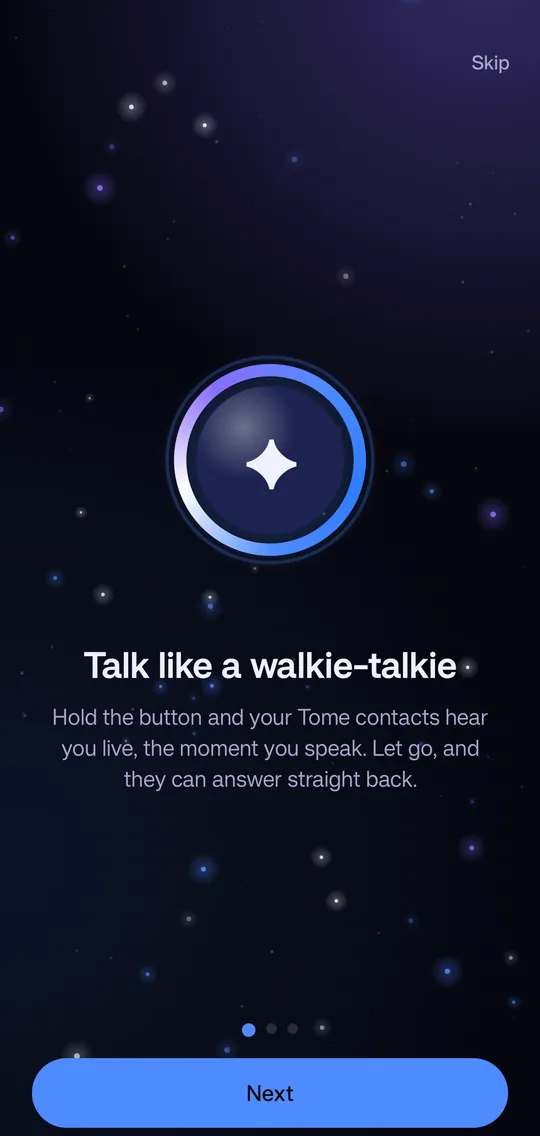
Talk like a walkie-talkie with the people you trust. Hold the button and they hear you live. Let go, and they can answer straight back. When they can't listen, your voice waits for them as a Scroll.
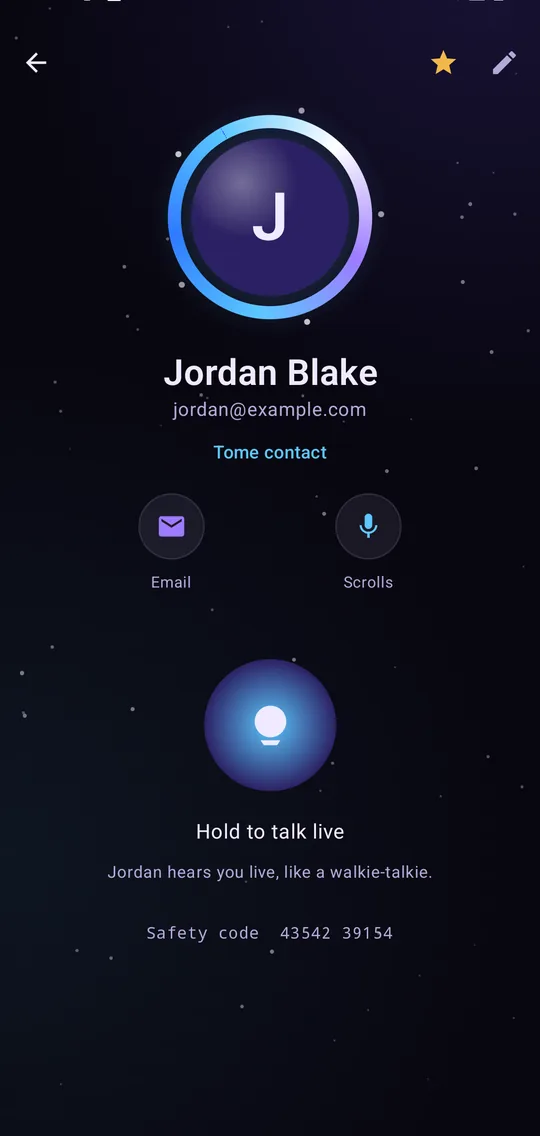
Everything in one place
Telemancer is a full phone and messaging app with live talk at its heart, so your calls, texts and voice from each person sit together.
Live talk
Hold to talk and your friend hears you as you speak. A voice meter and a gentle buzz tell you when you're on air.
Scrolls
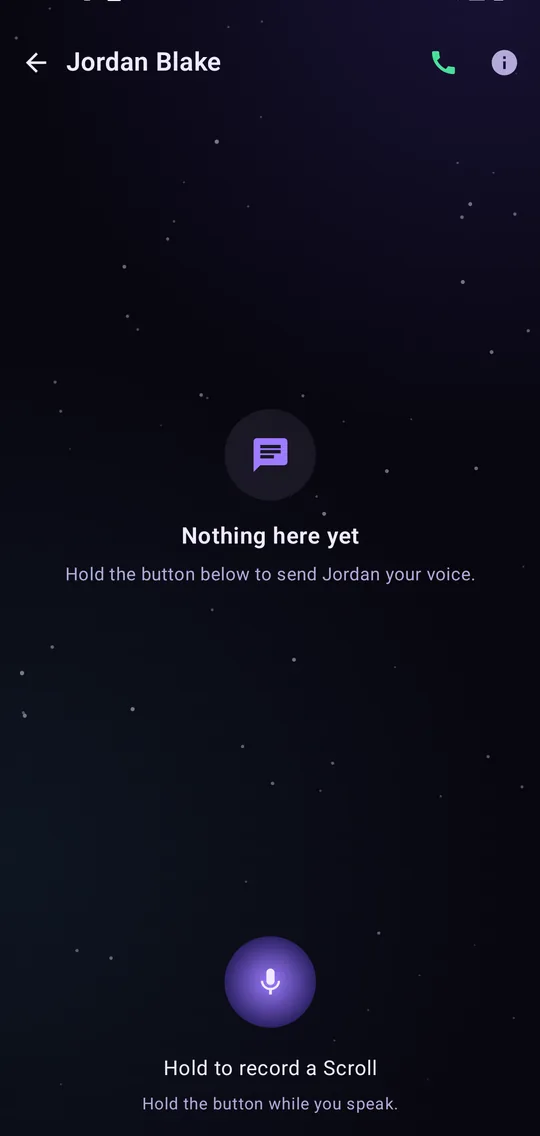
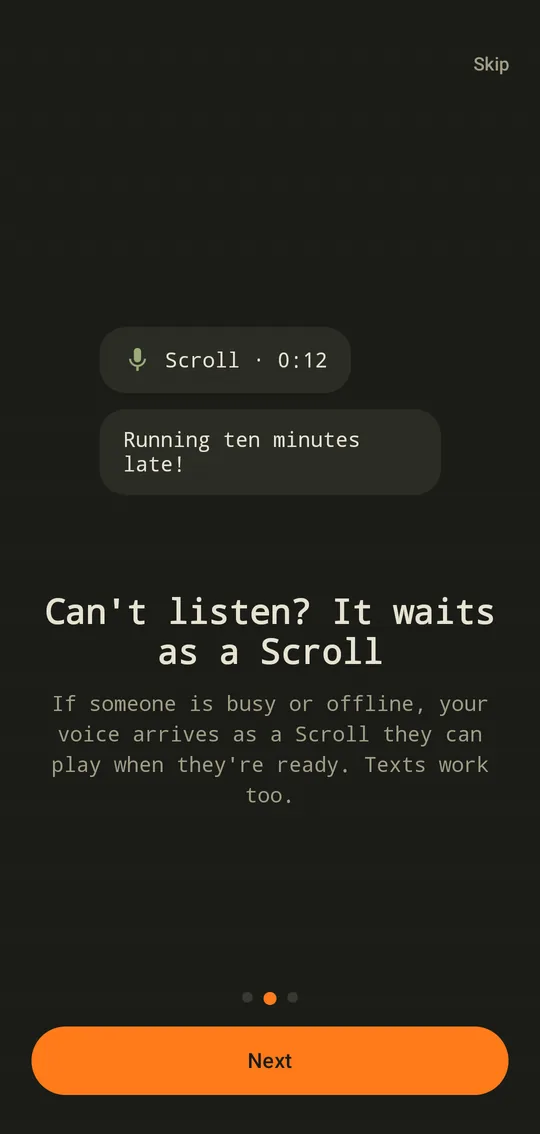
Voice messages for when someone is busy or offline. Each Scroll can show its words, written out on your phone, and waits up to a week.
Texts
Chat, reply to a message, and edit or unsend one you didn't mean to send.
Voice and video calls
Call one friend or a whole group. Calls ring like a normal phone call, even on the lock screen. Video calls come with Plus.
Channels
A radio channel for your group: hold to talk and everyone in it hears you. Admins can post announcements and share invite links.
Status and quiet hours
Show if you're available, busy or away, choose who may talk to you live, and set hours when everything waits quietly.
Car mode
Big, simple controls for the road, and talk from your headset button without looking at the phone.
Backup with 12 words
Move to a new phone and bring your contacts, messages and settings with you, locked with recovery words only you have.
Themes
Pick a look that suits you, from the glowing Sorcerer's Orb to a warm analog field radio.
A look inside
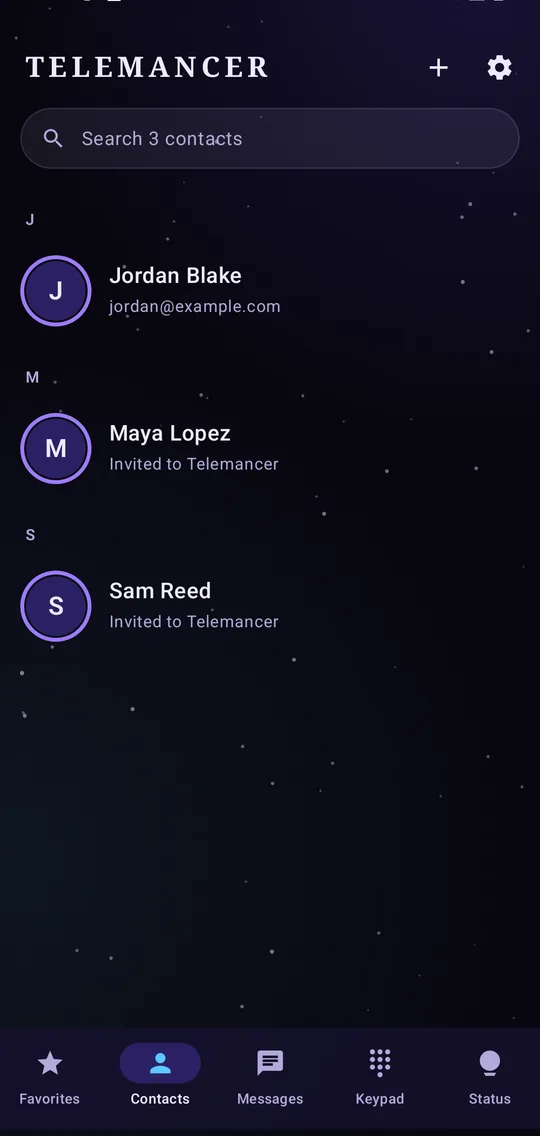
Familiar tabs for favorites, contacts, messages, the keypad and your status.
How friends connect
Telemancer only connects people who know each other, so nobody can reach you out of the blue.
Find Tome friends
Telemancer sends each contact a hidden text carrying your public key. A phone running Telemancer keeps it only if it already has your number saved, then answers with its own.
Or send an invite
Friends who don't have Telemancer yet get an invite link by text or email. Once they install it and open the link, you're connected.
Check your safety code
Each pair of friends shares a safety code. If it matches on both phones, nobody is in the middle.
Plans
Telemancer is free every day. Plus makes live talk and calls unlimited. Listening never counts, on any plan.
Free
- Unlimited texts, Scrolls and status
- 30 minutes a day of live talk and voice calls
- Unused minutes add up to a week's worth
- Two weeks unlimited on a new phone, no card needed
- Own a channel of up to 4 people
Plus
or $2.99 a month, or $44.99 once for life
- Unlimited live talk and voice calls
- Video calls, 2 hours a day, and unused time adds up
- Talk live with anyone, including friends on Free
- Unlimited channels of up to 8 people
Family
or $6.99 a month, or $124.99 once for life
- Everything in Plus
- For up to 5 people, about $1 each a month
Teams
or $14.99 a month
- Up to 5 channels of 25 people
- Unlimited live talk inside your team's channels for everyone in them
- Invite links and announcements with read counts
- Team Large: 15 channels of 75 people, $399.99 a year or $39.99 a month
Earn free weeks: every friend who joins Telemancer from your invite gives you both two weeks of unlimited live talk, up to six times a year. Plus opens in the app very soon.
Get Telemancer
Telemancer is installed straight from this site. Google Play only allows apps that read texts if they're your main texting app, and Telemancer uses hidden texts to find your friends.
Download
For Android 10 and newer.
SHA-256 checksum, to check the file arrived unchanged:2952c37867fa9201bf59c68137249bc5b49283c0a03e3f0faecec9c3d457bd81
Download on your phone
Open this page on your Android phone and tap Download.
Open the file
Tap the download when it finishes. If Android asks, allow installs from your browser, then tap Install.
Allow texts and the microphone
Telemancer asks for permission to use texts, contacts and the microphone. If Android says the setting is restricted, the app shows you how to allow it.
Find your friends
Tap Find Tome friends, or send an invite to anyone who doesn't have Telemancer yet.
Questions
Who can hear me?
Only the friend or channel you're talking to. Your voice is encrypted on your phone and can only be unlocked on theirs. You also choose who may talk to you live: everyone you've connected with, your favorites, people you pick, or nobody.
Do my friends need Telemancer?
For live talk, Scrolls and calls, yes. Telemancer offers to send them an invite, and you both get two extra weeks of unlimited live talk when they join. Friends using Tome OS have Telemancer built in.
Does it use my texting plan?
Finding friends sends a few hidden texts, which your carrier treats as normal texts, so your plan's usual rates apply. Telemancer asks before sending any. Talk, Scrolls and calls use the internet.
What does the Telemancer server see?
The server passes sealed, encrypted pieces between phones and holds them for up to a week if a phone is off. It never sees what you say or who you are talking to. On the same Wi-Fi, phones can talk to each other directly.
What happens when my free minutes run out?
Nothing stops. Your live talk goes as Scrolls until your minutes come back at midnight, and texts and Scrolls are always free.
Why isn't it on Google Play?
Google Play only lets texting apps use text messages, and Telemancer uses hidden texts to find which of your contacts have it. Installing from this site gives you the full app.